Overview
FrameWeight for iPhone
See what is using your storage, find the biggest files, and clean up with confidence.
Email supportInside FrameWeight
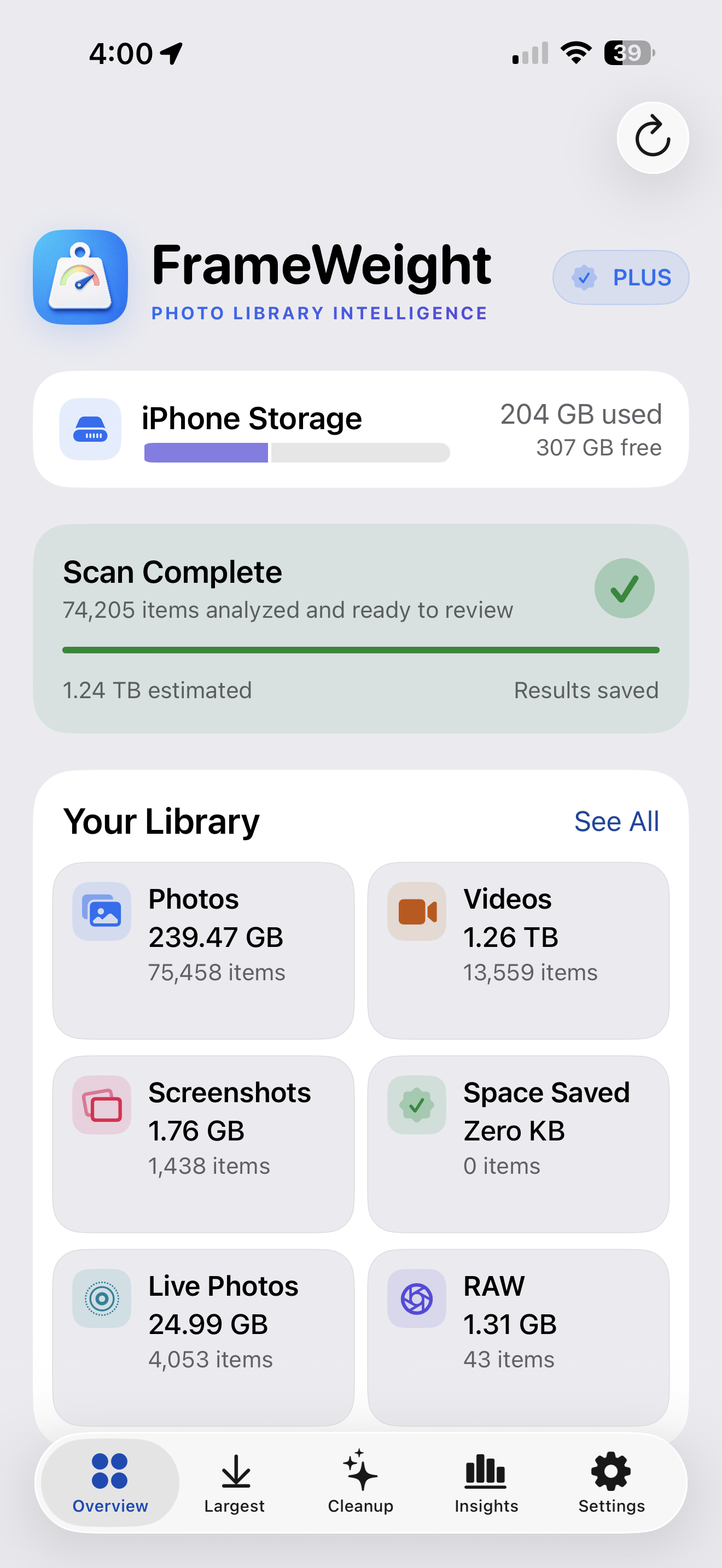
Overview
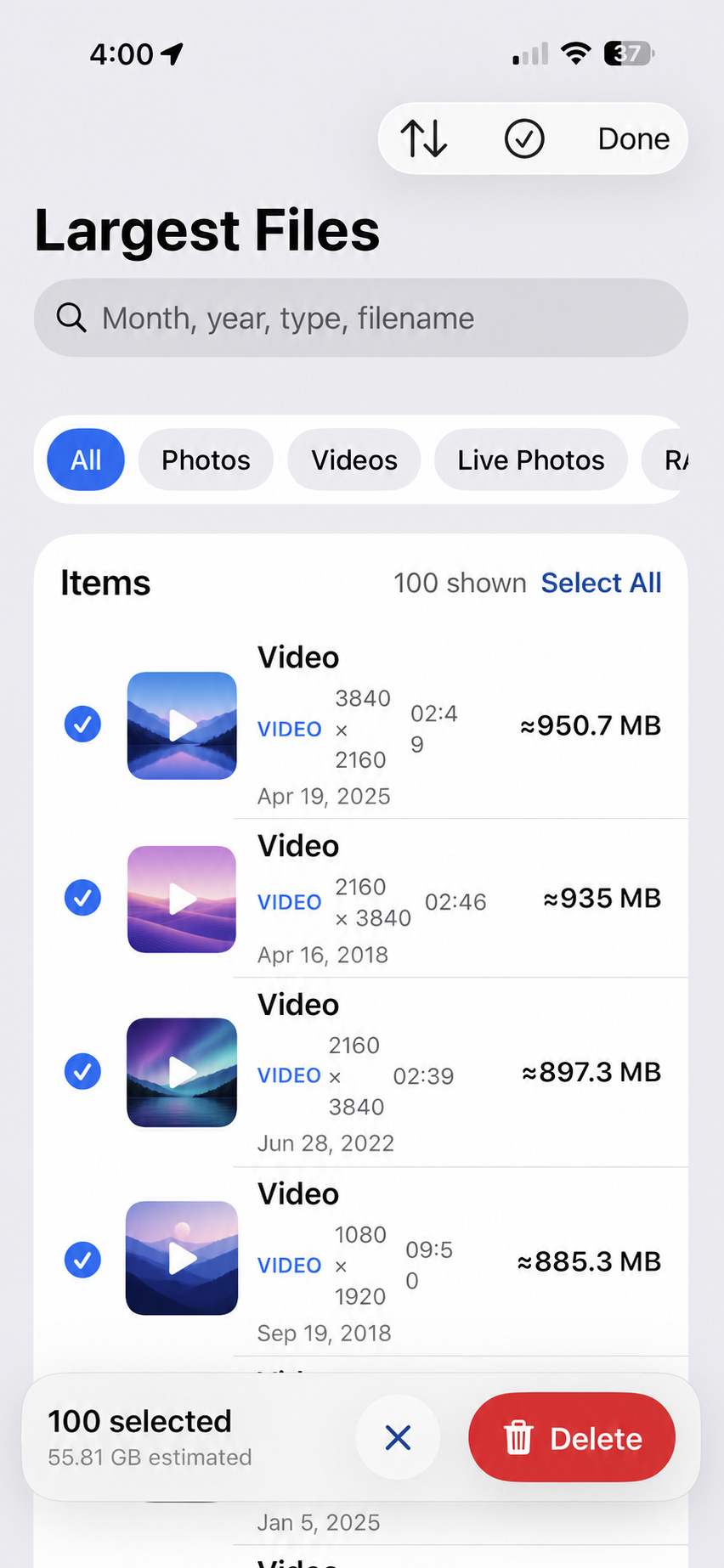
Largest files
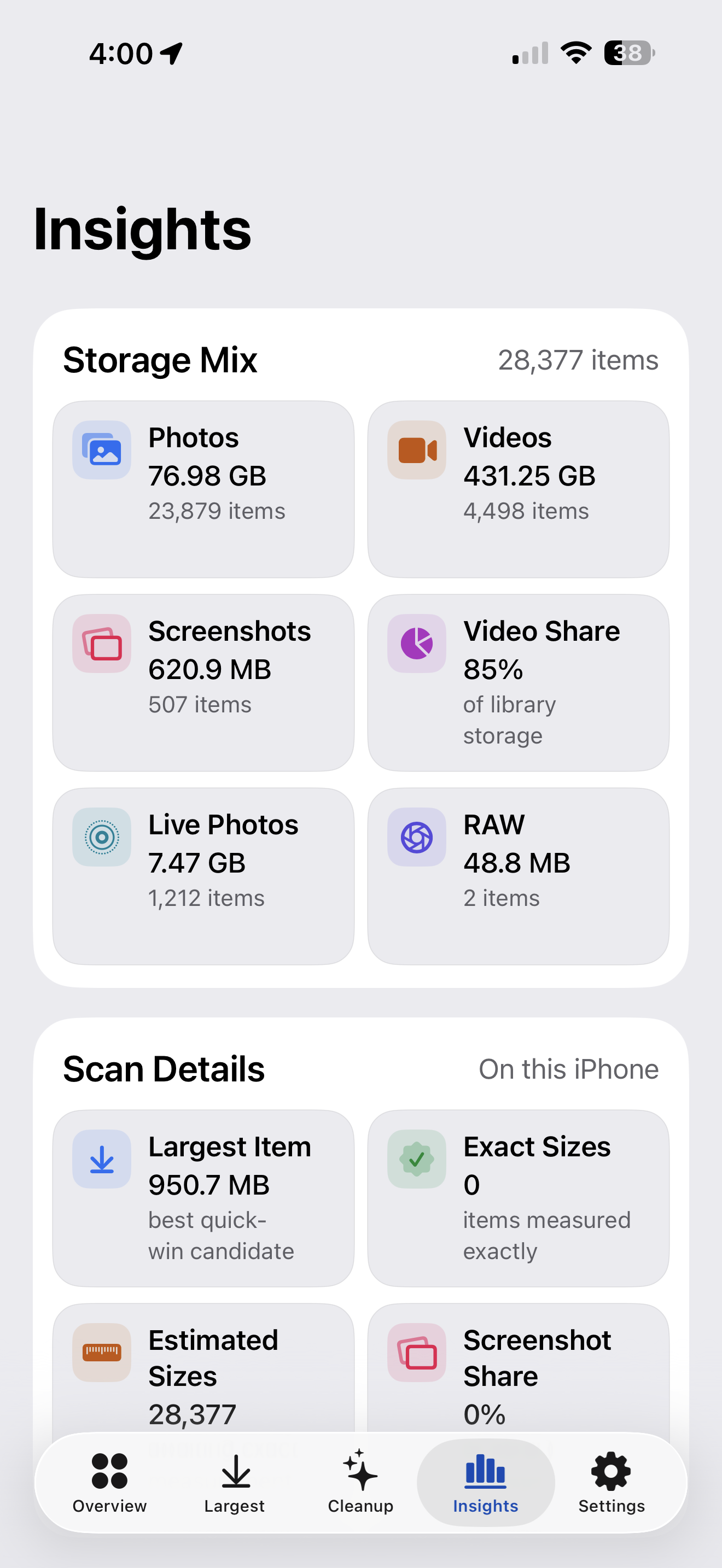
Insights
Quick help
Most questions can be resolved with the guidance below. If something still isn’t right, email us and include your iPhone model, iOS version, and a short description of what happened.
Your first scan can take time when your library contains tens of thousands of items or originals stored in iCloud. Keep FrameWeight open, connect to power, and let the scan run overnight if needed. Progress is saved so you can resume later.
Tap a thumbnail to preview a photo or video. Tap elsewhere in the row to select it. Use Select to choose multiple items, then review the estimated storage before confirming.
FrameWeight always asks for confirmation. Deleted items move to Apple Photos’ Recently Deleted album, where they remain recoverable until Photos removes them permanently.
Open Settings in FrameWeight and choose Rescan Library to find recent changes. Clear Scan Cache only when you want to rebuild all analysis from the beginning.
Manage or cancel a subscription in iPhone Settings under your Apple Account. If you already subscribed, use Restore Purchases in FrameWeight Settings.
FrameWeight works with Full or Limited Photos access. Change access in iPhone Settings › Privacy & Security › Photos › FrameWeight.
Privacy by design
FrameWeight performs photo analysis on-device. It does not upload your photos or videos, sell personal information, or track you across apps and websites.
Read the FrameWeight privacy policyFrequently asked questions
Clear answers,
without the runaround.
No. Library analysis happens on your iPhone. FrameWeight does not upload your photo or video content and does not use advertising trackers.
Apple Photos controls when Recently Deleted items are permanently removed and when iOS reports reclaimed capacity. Empty Recently Deleted in Photos if you want to request immediate removal.
Large libraries and iCloud-optimized originals require more work. FrameWeight scans progressively and saves results, so later sessions are much faster.
No. Every deletion requires your selection, an in-app confirmation, and Apple’s Photos authorization.
You can analyze your library and clean up to 2 GB at no charge. FrameWeight+ unlocks unlimited guided cleanup.